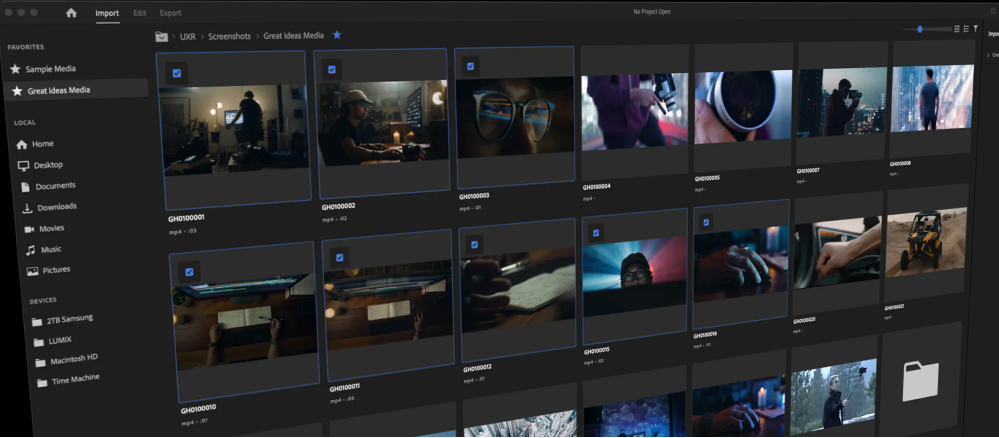
Windows 11 Pro for Workstations được thiết kế đặc biệt để đáp ứng nhu cầu của các cá nhân và tổ chức có khối lượng công việc và yêu cầu dữ liệu cao.
Quản lý dễ dàng, linh hoạt
Bảo vệ dữ liệu
Hiệu suất mạnh mẽ
Quy trình làm việc không bị xáo trộn
Số lượng:
Liên hệ — Vui lòng liên hệ để đặt hàng
<% toastMessage %>
Thông tin sản phẩm
Feature
Pro for Workstations
Powered by Intelligent Security Graph.
Yes
Automatic encryption on capable devices
Yes
Windows 11 powers the advanced biometric features of modern devices, such as fingerprint scanners and special IR cameras for face recognition
Yes
Device encryption is available on a wide range of Windows devices and helps protect your data by encrypting it. If you turn on device encryption, only authorized individuals will be able to access your device and data.
Yes
Keep track of your devices—even your digital pen!
Yes
Your Windows device comes with comprehensive, built-in security features, including firewall and internet protections to help safeguard against viruses, malware, and ransomware.
Yes
App & browser control in Windows Security provides the settings for Microsoft Defender SmartScreen, which helps protect your device from potentially dangerous apps, files, websites, and downloads.
Yes
Helps protect people from phishing attacks by alerting them as they are entering their Microsoft credentials into a malicious application or website.
Yes
Presence sensing combines Windows Hello with presence detection sensors to sign you in when you approach and lock when you leave
Yes
Windows 11 offers simple, secure multifactor authentication via phone call, text, or the Microsoft Authenticator app for mobile phones and tablets
Yes
Manage screen time, limit access to mature content, control online purchases when you connect your family's Microsoft accounts, and check to make sure the family’s devices are secure and up to date.
Yes
Protection from fileless based attacks
Yes
Helps prevent malicious software applications and unauthorized operating systems from loading during the system start-up process.
Yes
All new Windows 11 devices will come with powerful built-in security including hardware isolation, encryption, and malware protection.
Yes
Give employees flexibility to choose their own apps while maintaining strong security. Smart App Control blocks untrusted or unsigned software to prevent malicious apps from running. Available on new devices shipped with Windows 11 2022 Update. Devices with previous versions of Windows 11 can use this feature with a reset and clean installation of Windows 11 2022 Update. Organizations using a modern device management (MDM) solution such as Microsoft Intune can use that tool instead to manage apps and devices.
Yes
Windows 11 includes built-in malware protection to help keep you safe from viruses, spyware, and other malicious software.
Yes
Windows Defender System Guard uses hardware-based root of trust on modern devices to block startup attacks and prevent them from propagating.
Yes
Using facial recognition, a fingerprint, or PIN, Windows Hello is a fast, secure, and password-free way to unlock your compatible Windows devices
Yes
View and manage the security and health of your device.
Yes
If your device is lost or stolen, BitLocker and BitLocker To Go put everything on lockdown, so no one else can access your systems or data
Yes
Protect your information from accidental or intentional data leaks
Yes
Deploy, secure, and manage remote PCs through the cloud, in compliance with your company’s policies
Yes
Windows Hello capabilities plus passwordless sign-in to Windows and Azure.
Yes
WIP helps to protect against potential data leakage without otherwise interfering with the employee experience. WIP also helps to protect enterprise apps and data against accidental data leaks on enterprise-owned devices and personal devices that employees bring to work, without requiring changes to your environment or other apps
Yes
Detects when data becomes corrupt on one of the mirrored drives and uses a healthy copy of your data on other drives to correct and protect data.




 Hệ điều hành Windows & Office
 Phần mềm diệt Virus
 Quản trị Doanh nghiệp (CRM, HRM, Kế toán)
 Giải pháp AI & Doanh nghiệp
Giái pháp doanh nghiệp VNPT
 Máy tính cho SMB / SME
Máy tính Giáo dục STEM